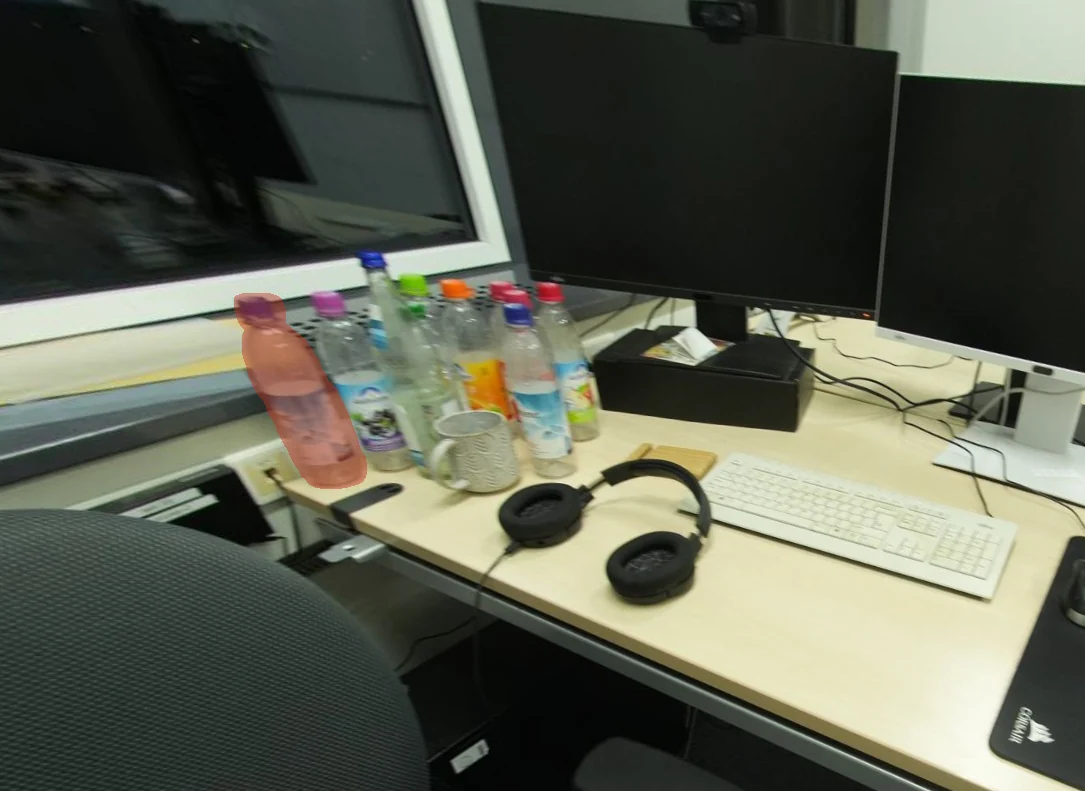
Observe & propose
Start with captured views and metric observations. Specialized generators propose complete object candidates.
Images → candidates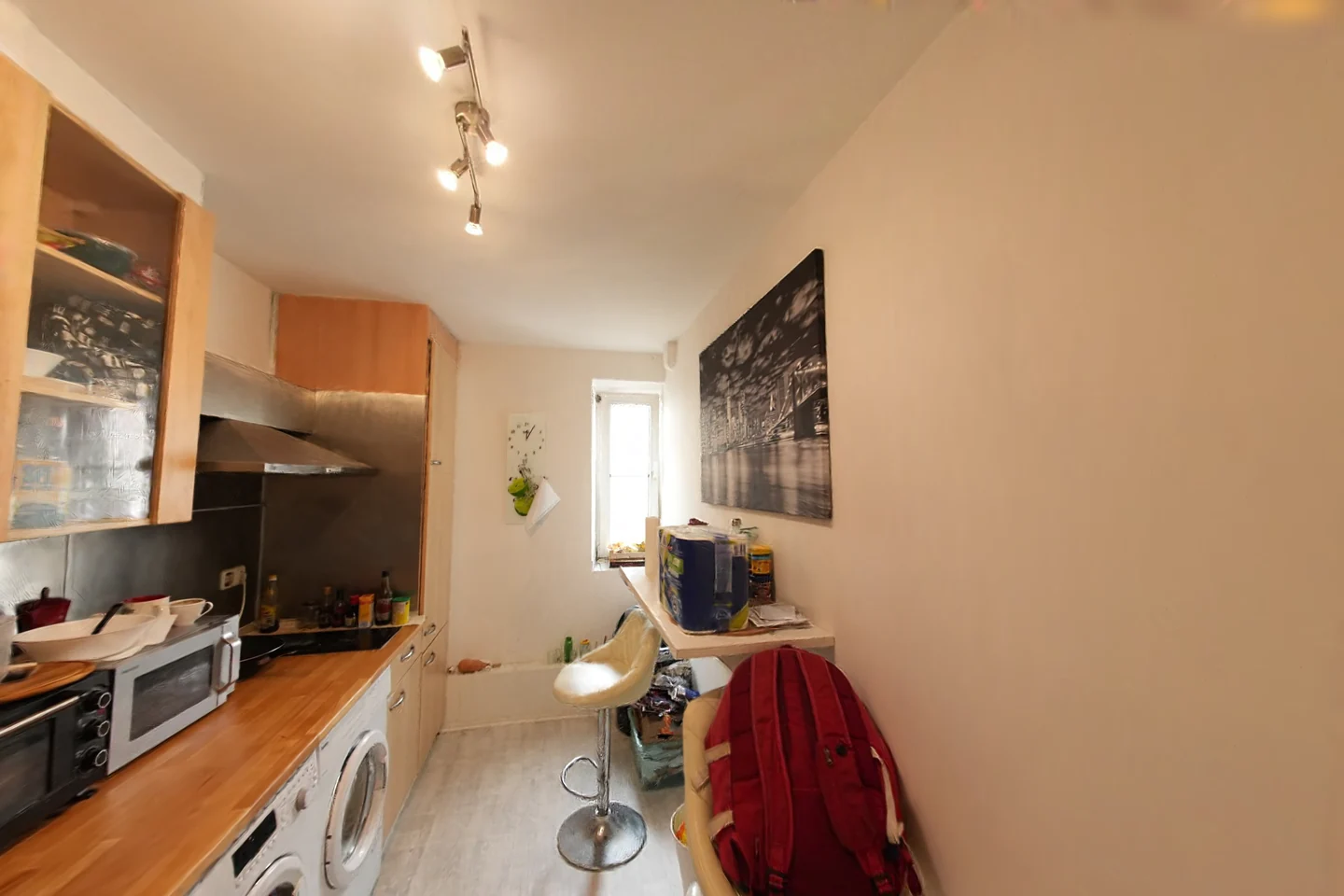
01 — THE IDEA
A simulator needs objects with metric geometry, contact surfaces, and visual identities that stay connected during motion. PhiRIE builds these pieces through evidence-guided construction.
Start with captured views and metric observations. Specialized generators propose complete object candidates.
Images → candidates
Compare proposals in a shared frame. Use alignment evidence to select, retry, or retain a failed attempt.
Evidence → decisions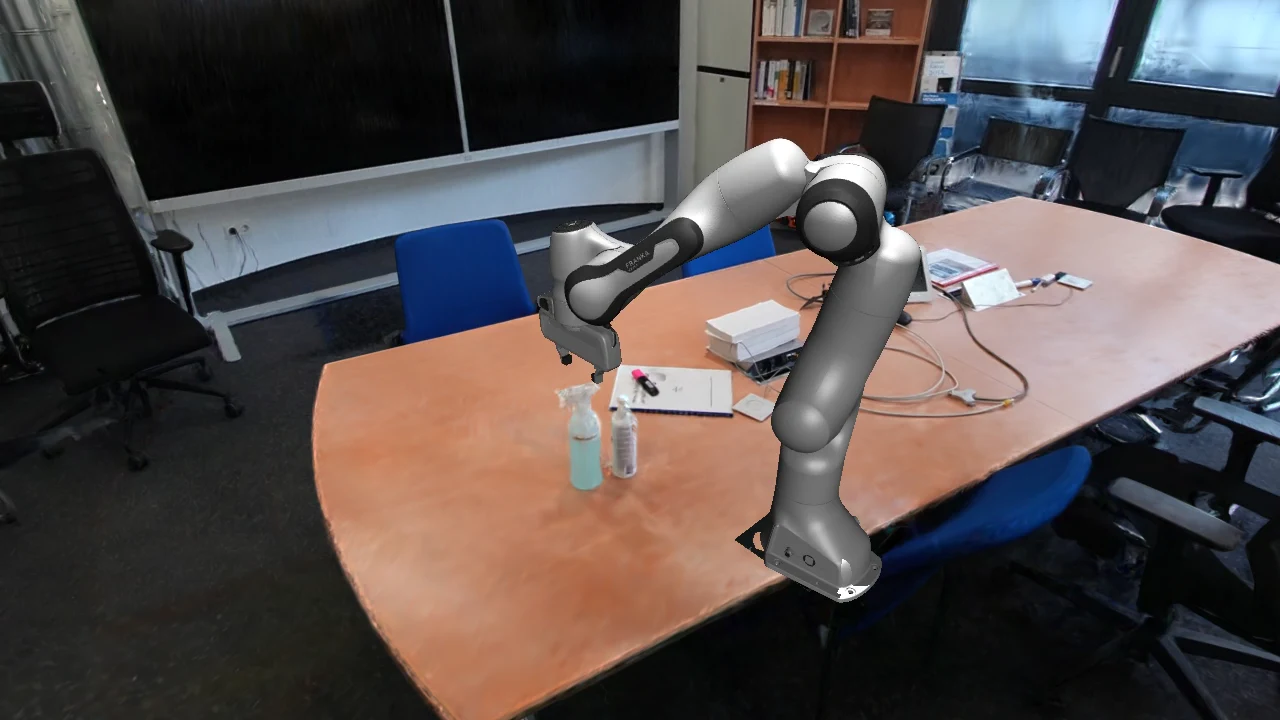
Link geometry, collision, and Gaussian appearance through object identity. Inspect how they behave together.
Objects → environments02 — HANDS ON
Three interactive experiences, rendered with WebGPU in your browser. Load a demo, orbit the scene, and explore the controls.
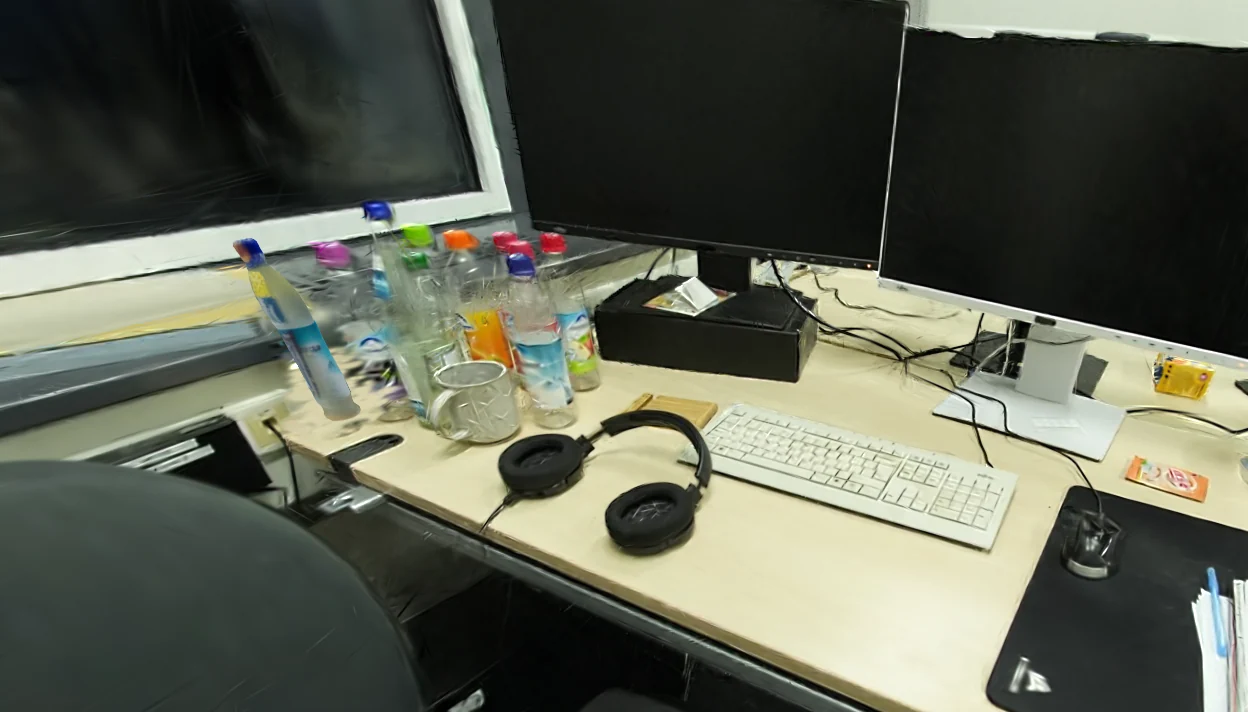
Orbit a captured Gaussian desk and reposition its reconstructed bottle.
3D assets load only when you launch.
WebGPU needs a compatible browser and a secure connection. If it is unavailable, the recorded results below remain accessible.
03 — PHIVIEW DEMOS
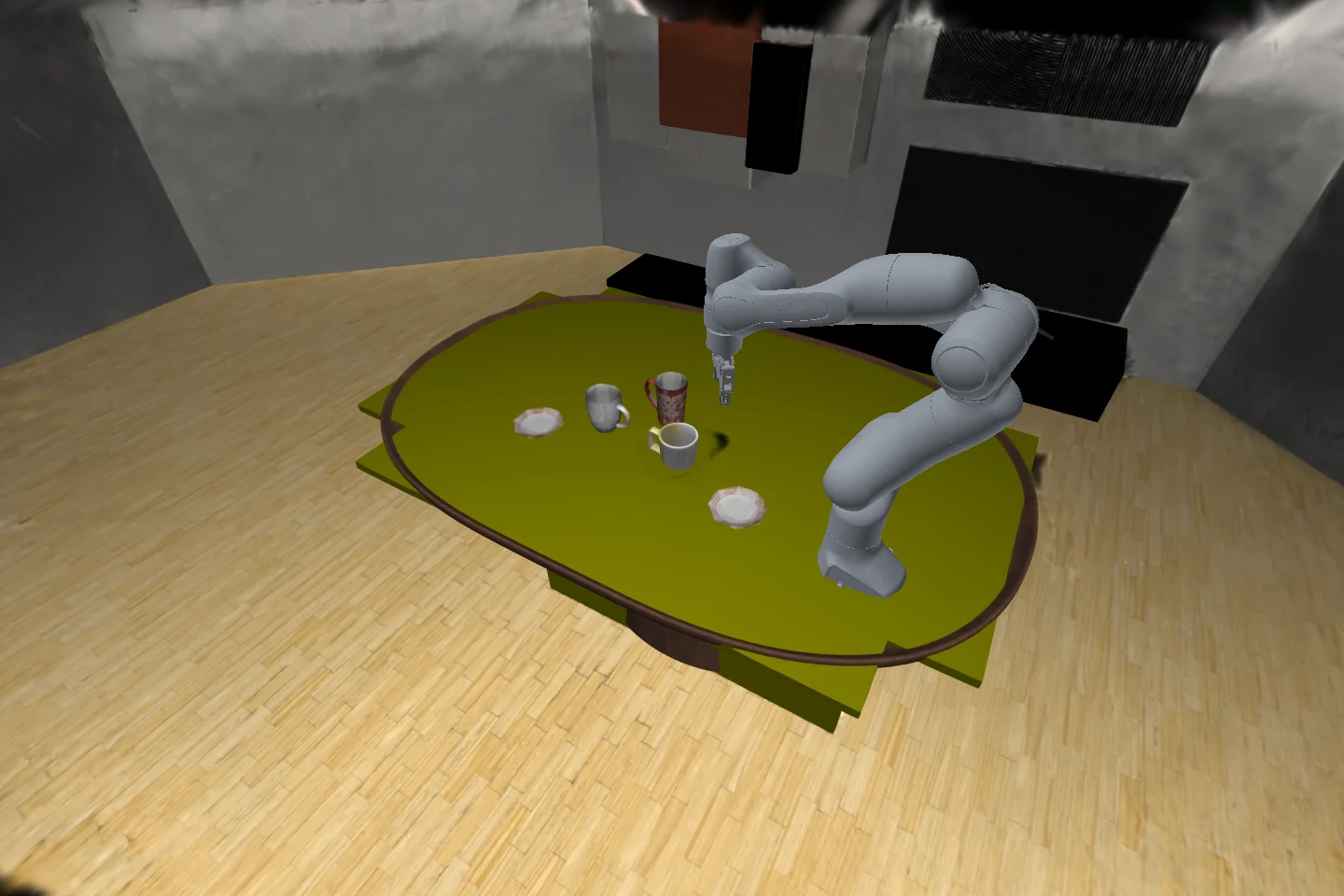
Nine demonstrations of shooting, grasping, placing, and navigating reconstructed rooms. Compare the same scenes with the harmonizer switched off and on.
Shoot the spray bottle and watch its physical response.
Download MP4 ↓MASS × FRICTION
Three shots in each view. Mass: 0.15 / 0.75 kg. Friction: 0.05 / 0.80. The projectile, firing speed, cadence, and camera stay fixed.
04 — APPEARANCE
Slide to compare saved views before and after appearance harmonization. The camera and scene state stay matched.
Harmonization is image postprocessing. These comparisons show appearance, not a change in physics.
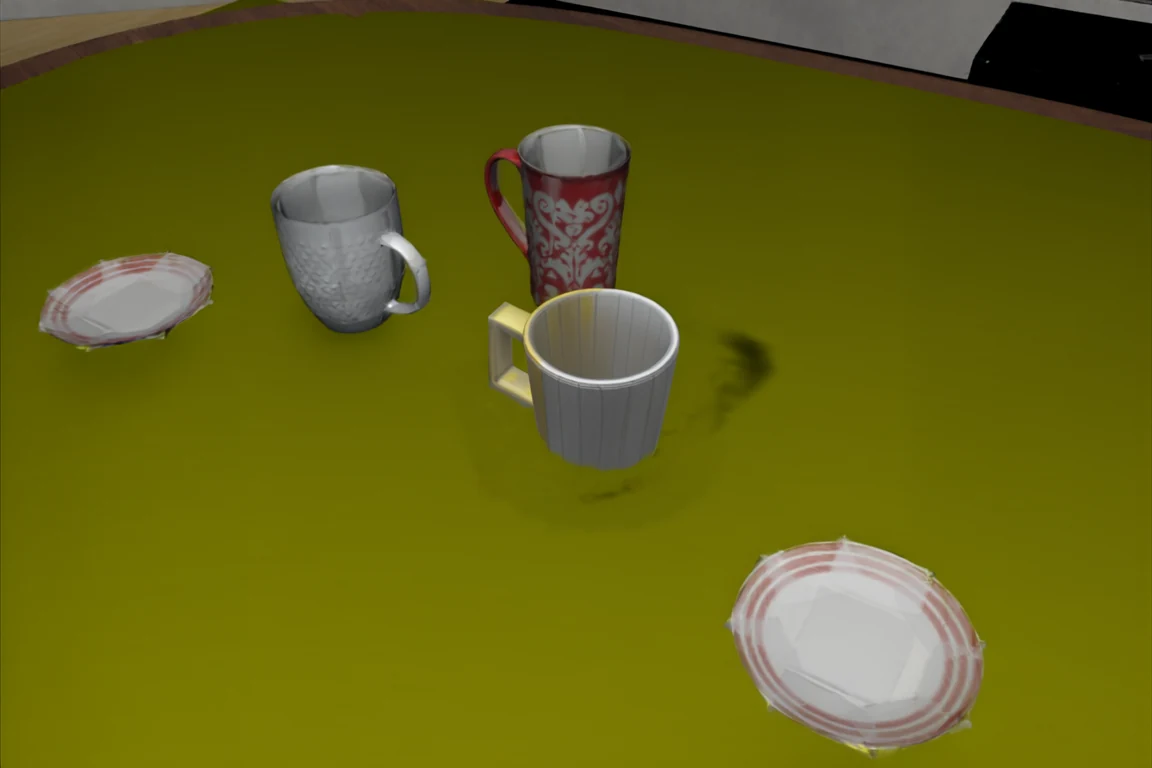
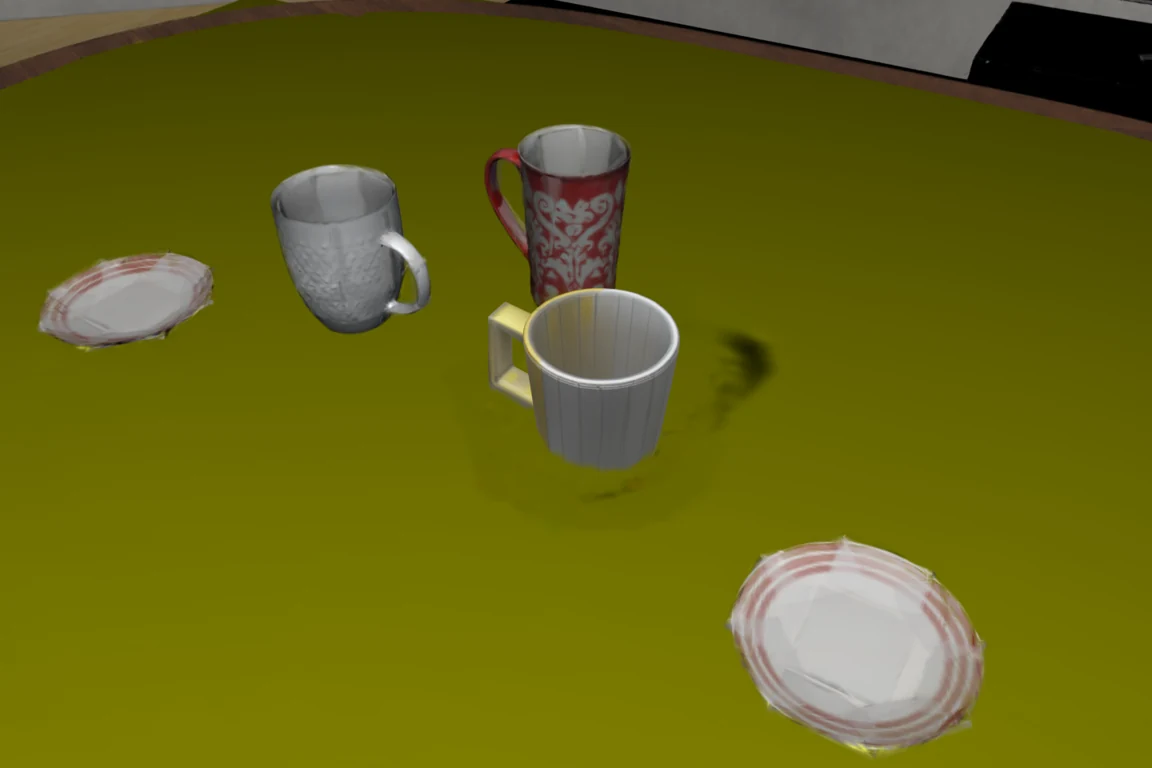 WithoutWith harmonizer
Drag the divider to compare
05 — VISUAL ATLAS
Explore captured environments, reconstruction candidates, background edits, and recorded interactions. Open any image for its full view and details.
06 — THE RESEARCH
Evidence-driven real-to-sim connects candidate construction with interaction evaluation. The manuscript separates construction quality, coverage, and success under a declared reconstruction scope.
Paper link coming soon.
07 — DEVELOPMENT
From the first reconstruction prototype to a modular system for building and interacting with reconstructed environments.
Captured views, camera geometry, and Gaussian scene reconstruction formed the foundation.
Object discovery, 3D asset generation, metric registration, background completion, and physics export connected reconstructed rooms to simulation.
Independent feature interfaces, composable pipelines, simulator adapters, and PhiView brought construction and interaction into one workflow.
Consolidated setup and documentation, the project page, illustrated components, and demonstrations of manipulation, harmonization, and controllable physical parameters.
RELEASE PLAN
Planned work; release dates will follow validation.